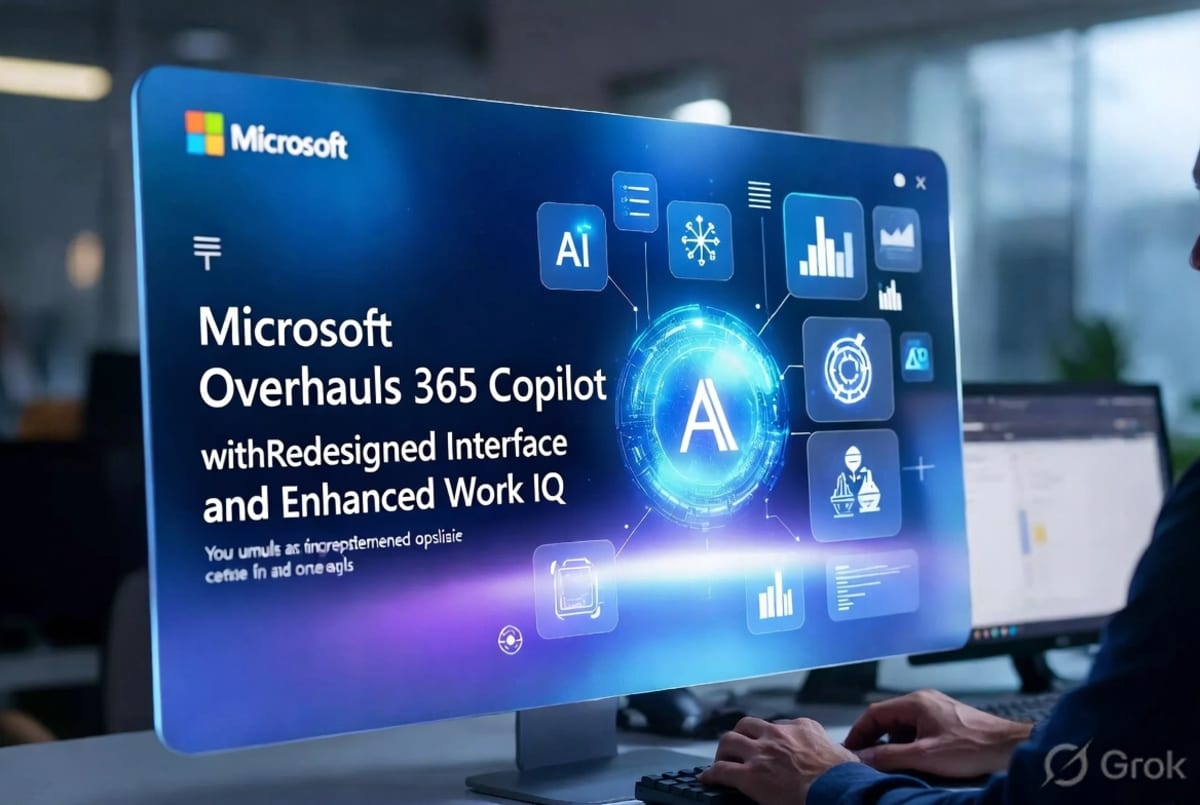
Microsoft has unveiled a substantial redesign of its Microsoft 365 Copilot, aiming to transform the AI assistant from a novel feature into an integral part of users' daily productivity routines. Announced on May 28, 2026, the update focuses on a cleaner user interface, improved performance, and the introduction of "Work IQ," a system designed to imbue Copilot with a deeper understanding of the user's work context. This overhaul seeks to address workflow friction and make the AI's assistance more seamless and habitual across applications like Word, Excel, PowerPoint, Outlook, and Teams.
Streamlined Interface and Performance Boost
The most immediate change users will notice is a refreshed, cleaner interface within the Microsoft 365 Copilot app and across integrated applications. Microsoft reports that the Copilot app now loads over twice as fast, with startup times reduced by more than 50 percent. Beyond initial loading, complex chat prompt response times have also seen a 10 percent improvement, a crucial enhancement for multi-step tasks rather than simple text generation. This performance boost is intended to reduce the perceived cost of using Copilot, making it a more attractive option for quick, on-demand assistance. The redesign moves away from what some users perceived as a "bolted-on" feel, striving to integrate Copilot more organically into existing workflows. The aim is to minimize the distance between a user's intent and the AI's action, thereby reducing the interruptions that can plague complex office tasks.
Work IQ: Context-Aware AI Assistance
A cornerstone of this redesign is the introduction of "Work IQ." This new architectural element is Microsoft's clearest admission that context is paramount for effective AI assistance in a professional setting. Work IQ aims to leverage an organization's specific workplace data and context to make Copilot's suggestions and actions more relevant and personalized. While this promises more pertinent AI interactions, it also heightens the importance of data hygiene, permissions management, and overall governance within enterprise environments. The success of Work IQ hinges on Microsoft's ability to provide robust tools for administrators to manage these sensitive aspects of AI deployment. This move signifies a maturation of enterprise AI, shifting from simply proving generative models can perform tasks to embedding these capabilities deeply into the operational machinery of work.
Expanded Model Choices and Prompt Gallery Enhancements
Microsoft is also expanding user choice in AI models, with Anthropic's Claude Opus 4.8 now available within Microsoft 365 Copilot. This addition offers users another powerful option for complex, multi-step tasks and long-running workflows, boasting improvements in tool selection and task completion. Furthermore, the availability of GPT-5.5 Instant and GPT-5.5 Thinking models for Copilot Chat and Copilot Studio provides users with more granular control over response speed versus depth of analysis. Complementing these model options, the Copilot Prompt Gallery has been enhanced with expanded content. This gallery now serves as a central hub for ready-to-use prompts, guidance, and task-based ideas, covering areas such as content drafting, meeting preparation, and information analysis. This feature is designed to help users discover the capabilities of Copilot and easily implement useful workflows across their organizations.
Deeper Integration Across Microsoft 365 Apps
The redesign is not confined to the standalone Copilot app; it extends to deeper integrations within Word, Excel, PowerPoint, Outlook, and Teams. In Word, Copilot now offers consolidated summaries of recent file activity directly within the chat pane, allowing users to quickly catch up on edits and comments without extensive navigation. Outlook gains implicit grounding for Copilot Chat, enabling users to easily incorporate emails and text from threads directly into their prompts. For Teams, updates include call delegation, recap deletion, and video recap functionalities. PowerPoint enhancements include slide explanations and built-in skills, while Excel introduces a new "Plan Mode" for structured workflows. This cross-app coherence aims to transform Copilot from a discrete feature into a pervasive layer of intelligence across the entire Microsoft 365 ecosystem. The company's overarching strategy appears to be establishing Copilot as the common interface and control layer for work, leveraging the breadth and complexity of Microsoft 365 to its advantage.
The Future of Agentic Workflows and Governance
This overhaul aligns with a broader industry trend towards "agentic" AI, where AI systems are designed to take action and complete tasks autonomously. Microsoft Copilot Studio, for instance, is evolving into a comprehensive agent platform, emphasizing LLM-driven orchestration, reusable tools, and autonomous execution. Recent updates to Copilot Studio highlight expanded agent governance, environment-level administration, and analytics delegation, signaling Microsoft's commitment to providing enterprise-grade control over these increasingly powerful AI agents. The ability to compose agents from reusable tools and knowledge, delegate tasks across specialized sub-agents, and govern their operations from the outset is crucial for widespread enterprise adoption. Looking ahead, Microsoft's focus on making AI feel like an inherent part of the Office suite, rather than an external tool, will be key to its success. The challenge remains to balance powerful AI capabilities with user-friendly design and robust governance, ensuring that Copilot enhances productivity without becoming a workflow tax.
The redesigned Microsoft 365 Copilot represents a significant step in Microsoft's strategy to embed AI deeply into the fabric of enterprise productivity. The emphasis on context, performance, and seamless integration across applications signals a move towards making AI an indispensable, habitual assistant. The success of "Work IQ" and the continued evolution of Copilot Studio will be critical indicators of Microsoft's ability to deliver on the promise of truly agentic and governable AI in the workplace. Users and administrators alike will be watching closely to see how these enhancements translate into tangible productivity gains and a more intuitive user experience in the coming months.